Resources
Understand the work behind well-run organizations.
Practical explanations of the operational practices Impact supports, how the product is adopted, illustrative use cases and common workflows.
How it works
From first conversation to everyday use.
These steps describe how organizations typically explore, configure and use Impact with Reedox.
- 01
Explore Impact
Review the platform, features and solutions on this site, and identify the areas of your organization you most need to organize.
- 02
Talk to Reedox
Discuss your organization's size, programmes, funding structure, users and reporting needs with Reedox.
- 03
Configure your workspace
Agree on your organization profile, users, roles, categories, funds and finance structure.
- 04
Organize your records
Bring members, donors, volunteers, projects and opening financial figures into a consistent structure.
- 05
Run daily operations
Teams record donations, expenses, events, tasks and project updates as the work happens.
- 06
Control the money
Use budgets, approvals, funds and the Accounting Centre to keep financial records accurate and accountable.
- 07
Report from your records
Produce dashboards, finance, accounting and programme reports from the same data the team maintains.
- 08
Review and improve
Use what the records show to review programmes, spending and responsibilities, and refine how you work.
Use cases / stories
How organizations could use Impact.
Each story is an illustrative scenario showing a realistic workflow. They are not customer testimonials, and the names and figures are not from real organizations.
Field note / 01 · illustrative
A classroom programme, from pledge to donor report
How an education NGO could follow one grant from the first promise to the final report.
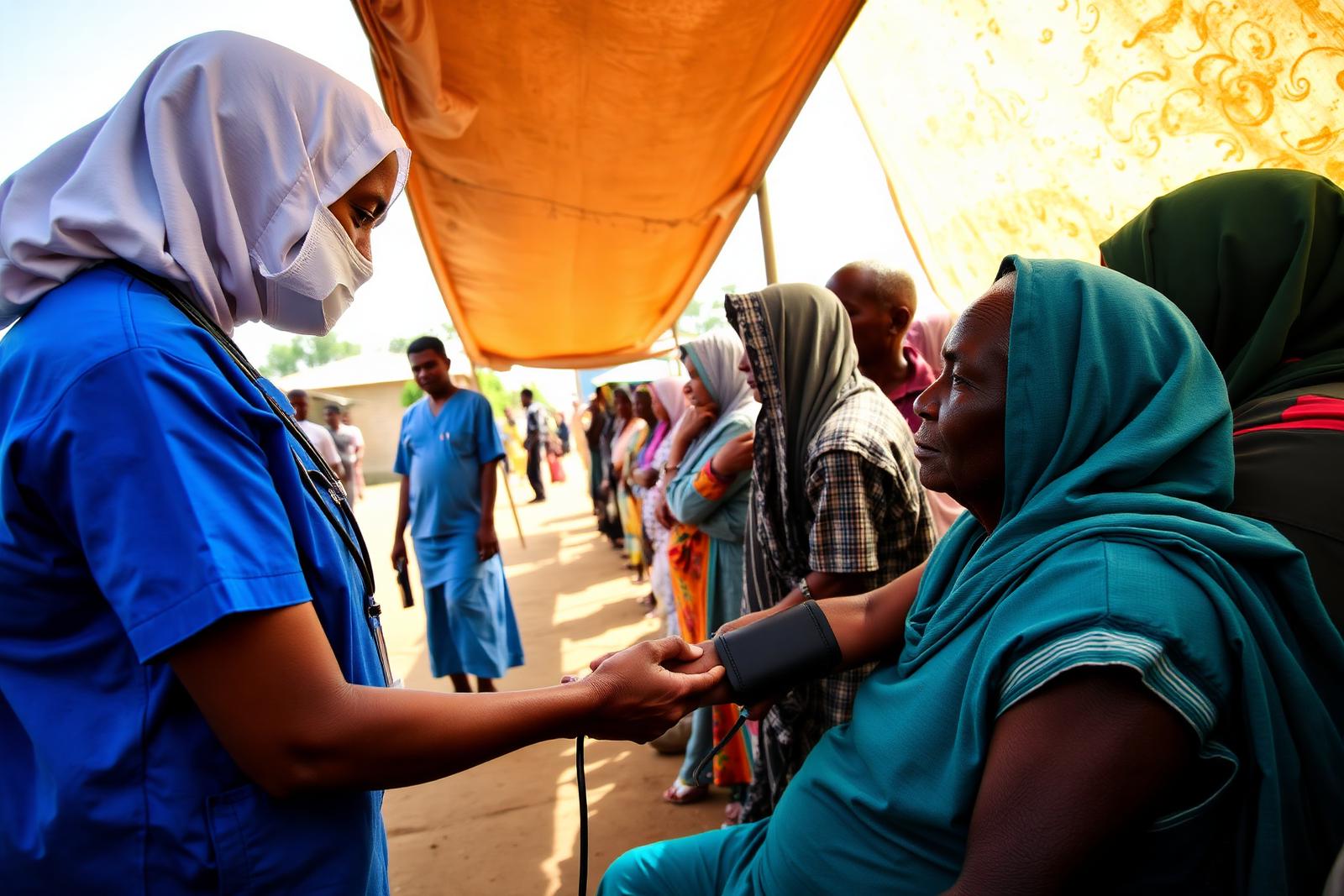
Field note / 02 · illustrative
Mobilising volunteers for a weekend health outreach
A community health team plans a two-day outreach with forty volunteers and a fixed budget.

Field note / 03 · illustrative
Preparing for a first clean audit
A growing nonprofit moves from spreadsheets to a ledger it can defend.
Operational topics
Practical starting points.
Short explanations of the practices behind good nonprofit administration. These are written guidance on this page, not downloadable publications.
Building a better nonprofit operating system
An operating system is the set of routines, records and responsibilities that keep an organization running. Before choosing software, it helps to map how information moves today: who records members, donations and spending, where documents are kept, and how reports are assembled. Impact is designed to give that structure a single home, but the structure itself starts with agreeing who owns which records.
Organizing donor and member information
Members and donors are relationships, not rows in a list. Agree on the categories you will use, the minimum details every profile needs and who is responsible for keeping records current. Consolidating duplicate lists before moving into a system avoids carrying old inconsistencies forward.
Coordinating volunteers and programmes
Volunteer contribution is easier to plan and recognise when skills, availability and hours are recorded consistently. Linking volunteer activity to the programmes, projects and events it supports helps coordinators staff activities and gives a clearer picture of the effort behind each programme.
Improving project administration
Good project administration means every project has a clear owner, status, timeline and budget, and that updates are recorded where others can see them. Regularly updating status and progress, rather than only before reports, keeps leadership informed and reduces last-minute reporting work.
Maintaining financial records
Reliable financial records depend on recording every income and expense with a date, amount, category, fund and supporting document, at the time it happens. Separating operational finance (budgets, bills, approvals) from formal accounting (journals, ledger, statements) helps teams make decisions without compromising the formal books.
Understanding nonprofit budgeting
A budget is a plan that should be compared with what is committed and what is actually spent. Reviewing budget, commitment and actual figures together shows not only what has been spent, but what is already promised, which is often the more important question for programme managers.
Managing restricted funding
Restricted funds can only be used for the purpose agreed with the donor. Recording each gift against the right fund, and checking available balances before approving spending, protects the organization's relationship with its funders. Transfers from restricted to unrestricted funds should be deliberate and documented.
Preparing organizational reports
Reports for boards, donors and grantmakers are most credible when they are drawn from the same records the team uses day to day. Decide early which figures each stakeholder needs, such as budget against actual, fund balances or project status, and make sure those figures are recorded consistently.
Improving internal accountability
Accountability is supported by clear roles, approval steps for spending and a record of who did what. Giving each user only the access they need, and requiring a second person to approve financial items, reduces errors and builds trust with partners and auditors.
Preparing for digital operations
Moving to a digital system is as much about people as software. Identify the records you will migrate first, agree on naming and categories, train the people who will use each module and plan a period where old and new methods overlap. Reedox can discuss what this looks like for your organization.
Common workflows
How work moves through the system.
Illustrative sequences showing how records connect across Impact. Approval and reporting steps are performed by your team in the system.
Donation to donor report
Volunteer mobilisation
Expense approval